
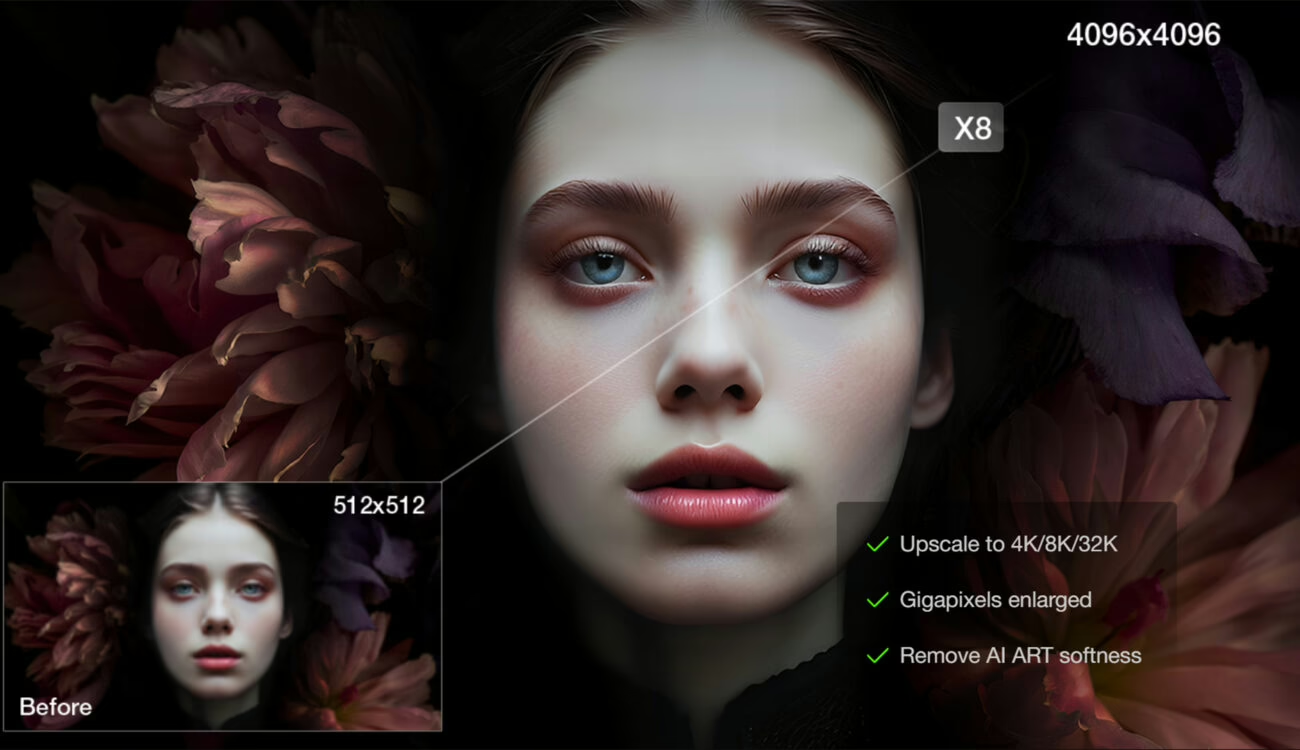

Aiarty Image Enhancer 3.5 is the latest version of Aiarty’s AI-powered still image utility, built for photographers, filmmakers, and visual content creators who need a fast way to clean up, restore, and upscale images.
The app focuses on three core jobs: reducing noise and compression artifacts, recovering detail, and enlarging stills to modern delivery resolutions such as 4K and 8K. It runs entirely on your desktop, so you never have to upload sensitive material to the cloud.
What’s new in Aiarty Image Enhancer 3.5
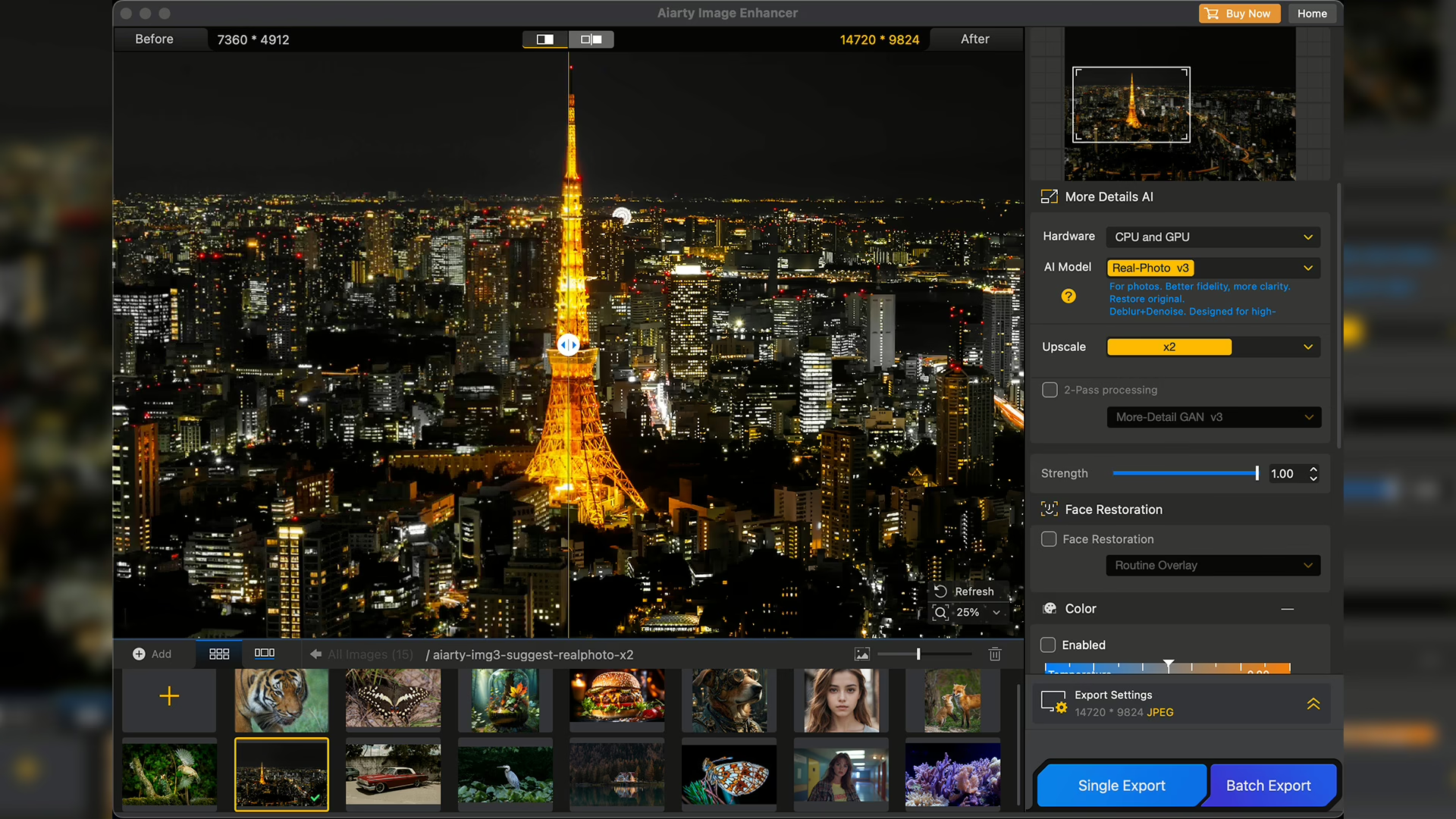
Version 3.5 introduces three notable upgrades that make the software more flexible in daily work:
- Strength slider – You can now fine-tune how aggressively sharpening, noise reduction, and structure recovery apply. That control makes it easier to stop before the image looks over-processed.
- Built-in color tools – Basic grading controls for exposure, temperature, tint, contrast, vibrance, and tone live directly in the app. You can create a neutral starting look before handing images to your main editor.
- GPU optimization – Aiarty has tweaked processing for newer GPUs, cutting render times on supported systems while still keeping everything offline on both Mac and Windows.
These tweaks keep Aiarty Image Enhancer 3.5 focused on speed and control without adding unnecessary complexity.
Aiarty Image Enhancer Key Features
According to Aiarty, the Image Enhancer is designed to handle a wide range of clean-up and restoration tasks:
- Noise reduction and artifact cleanup
The app removes noise from low-light captures and compressed stills while aiming to preserve natural texture. The Strength control helps you stay away from the waxy look that many noise tools create.
- Deblur and structure recovery
AI GAN-based models target motion softness and compression artifacts. Detail comes back with more restraint than previous versions, which helps maintain a believable result instead of a plastic one.
- Upscaling to 4K, 8K, and beyond
Stills can be enlarged by 2×, 4×, or 8×, or sent straight to 4K or 8K export. A 1× mode lets you clean and refine already large images without changing their resolution.
- Integrated color correction
Version 3.5’s color panel offers exposure, temperature, tint, contrast, vibrance, and tone sliders so you can balance a batch of images before they hit Lightroom, Photoshop, or your grading tool of choice.
- Face restoration module
A dedicated Face Restoration option can restore clarity in portraits and group photos where key features have softened or smeared. Aiarty suggests treating this as a targeted tool rather than something you enable on every frame.
- Batch processing workflow
You can feed entire folders to Aiarty Image Enhancer 3.5 and let it run through them in one go, which is ideal when you need to prep a set of stills for a larger edit or delivery.
- Offline Mac and Windows processing
All computation happens locally. No images leave your machine, which is reassuring when you work with client material or sensitive projects.
- Format support and export options
The software accepts RAW formats such as .dng, .cr3, .cr2, .nef, .arw, .orf, and .rw2, alongside .heic, .jpg, .png, and .tiff. Output can be .jpg or .png at 8-bit or 16-bit depth, with DPI settings from 72 up to 1000, so you can tailor files for both screen and print workflows.
How Aiarty Image Enhancer 3.5 performs in practice
To test the new version, Aiarty Image Enhancer 3.5 was run on a group of challenging portraits that were initially unusable due to noise, compression, or focus issues. Attempts in other applications either smoothed the subject too much or produced harsh artifacts. With Aiarty, pairing each image to the right model produced consistent, usable results.
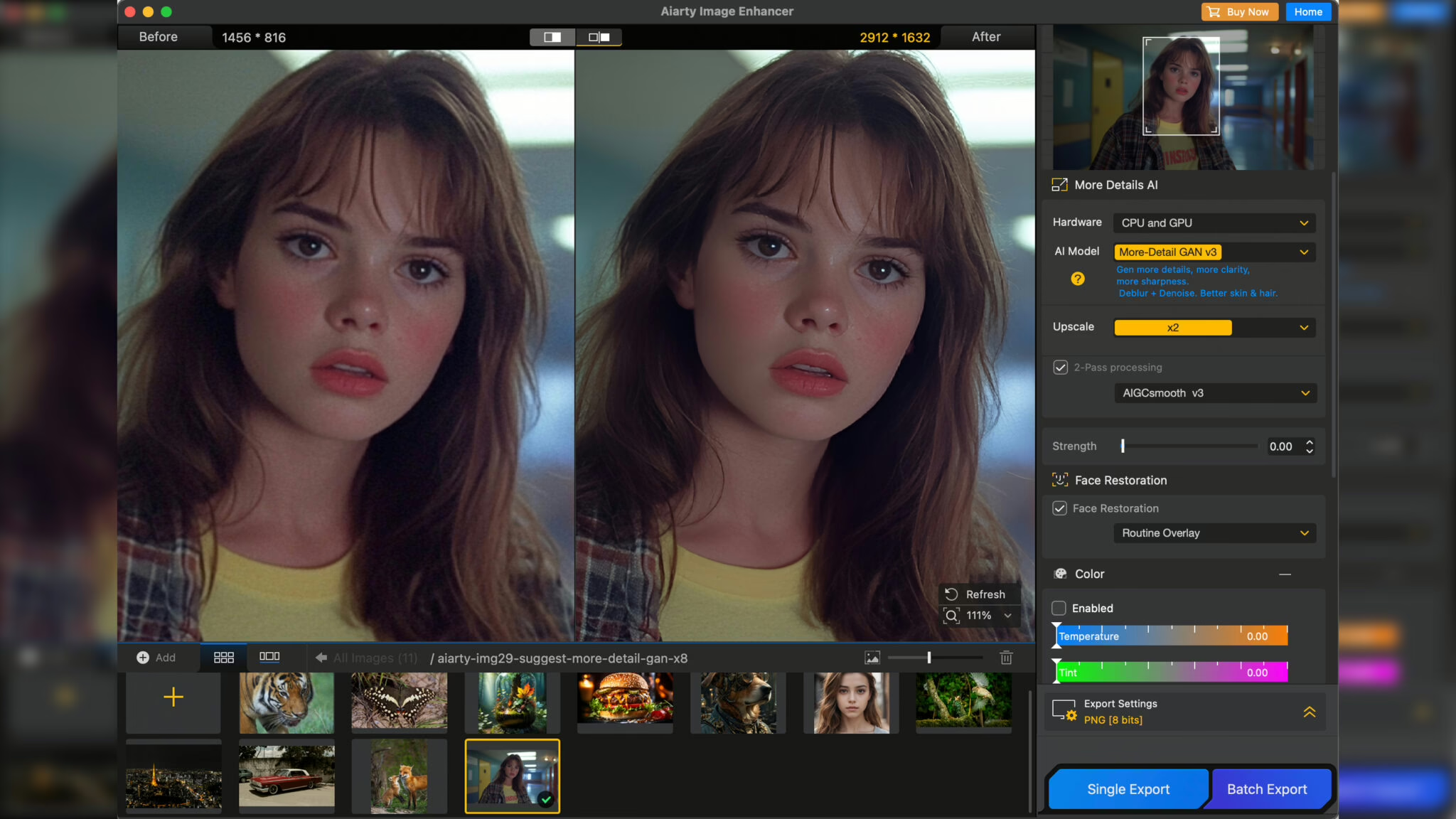
The More Detail GAN v3 model worked best on a portrait that needed strong structure recovery. It delivered a clean, detailed look that still held up at close inspection. For a second image with softer light and heavier noise, the Real Photomodel produced a more natural outcome.
Two-pass processing can help in some cases, especially when you want just a bit more definition, though it occasionally goes further than needed. Testing a few model and Strength combinations remains the safest route to a balanced result.
For noise reduction, moderate Strength values tended to produce the most natural images. Push the slider too high and you may see reconstructed patterns where the algorithm tries to invent texture. Keeping the effect subtle protects the original character of the photo.
The new color tools are handy when you prepare a batch. You can normalize exposure and color temperature in Aiarty Image Enhancer 3.5 and then fine-tune in your main editor, saving a round-trip.
Face Restoration shines on evenly lit portraits. In trickier lighting it can shift facial structure more aggressively, so it is best treated as an optional last step. Aiarty itself suggests turning it on only when you clearly need an extra boost to facial clarity.
Workflow, formats, and export flexibility
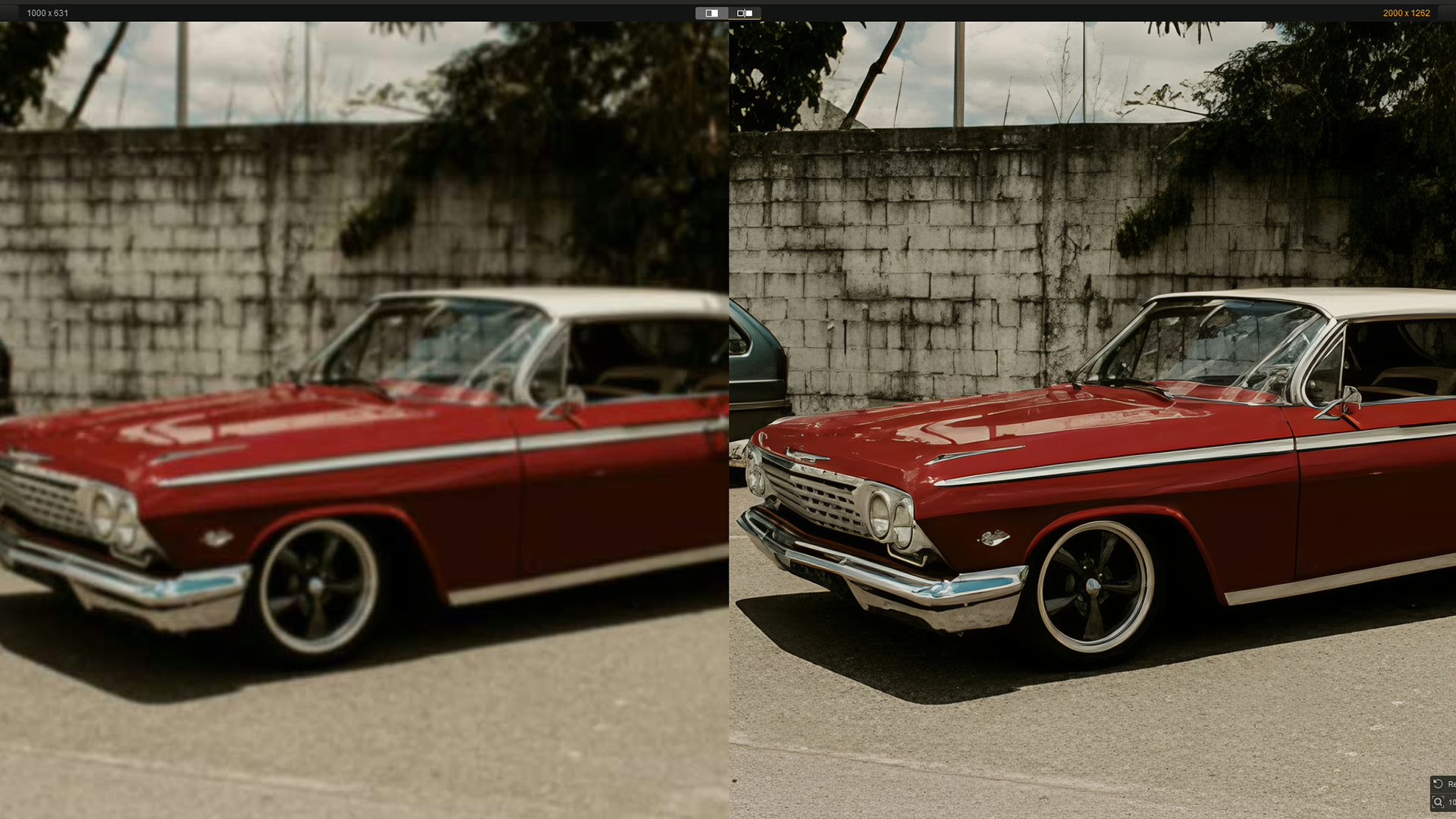
Aiarty Image Enhancer 3.5 drops easily into both photography and filmmaking workflows. RAW support lets you clean stills from popular camera brands without pre-conversion, while HEIC, JPEG, PNG, and TIFF compatibility covers phones, screen grabs, and legacy material. You can export for web delivery at 72 DPI or set up high-resolution 16-bit PNGs at 300 DPI and beyond for print.
Because everything runs on your own GPU and CPU, you can queue a batch, let it render, and immediately hand the results to your usual editing or layout tools with no upload delays or privacy worries.
Price, bundles, and Black Friday discount
For Black Friday, Aiarty is running a Super Sale that makes Aiarty Image Enhancer 3.5 significantly more attractive:
- Aiarty Image Enhancer 3.5 – normally $155, now $99. This includes a Lifetime License, a one-time purchase valid on up to three computers, with unlimited free upgrades.
- Image Enhancer + Video Enhancer bundle – $199 instead of $390, combining still and video restoration in one package.
- Image Enhancer + Image Matting bundle – $129 instead of $264, aimed at users who also need background removal and compositing tools.
The lifetime license structure is appealing if you expect to keep using Aiarty Image Enhancer 3.5 over several hardware cycles, as you can install it on multiple machines and continue to receive feature updates at no extra cost.
Should you try Aiarty Image Enhancer 3.5?
If you often work with noisy, compressed, or slightly soft stills, Aiarty Image Enhancer 3.5 offers a straightforward, offline way to rescue and upscale them. The new Strength slider, integrated color tools, and GPU optimizations give you more control and speed, while the Black Friday pricing and lifetime license lower the barrier to entry.
For creators who regularly prepare stills for print, social platforms, or video projects, Aiarty Image Enhancer 3.5 is well worth a closer look during the current discount window.